
Features
Everything in Oakleaf PDF
A complete PDF editor for Windows and the web. Features marked Free online work in the free online editor; everything else is in the full version.
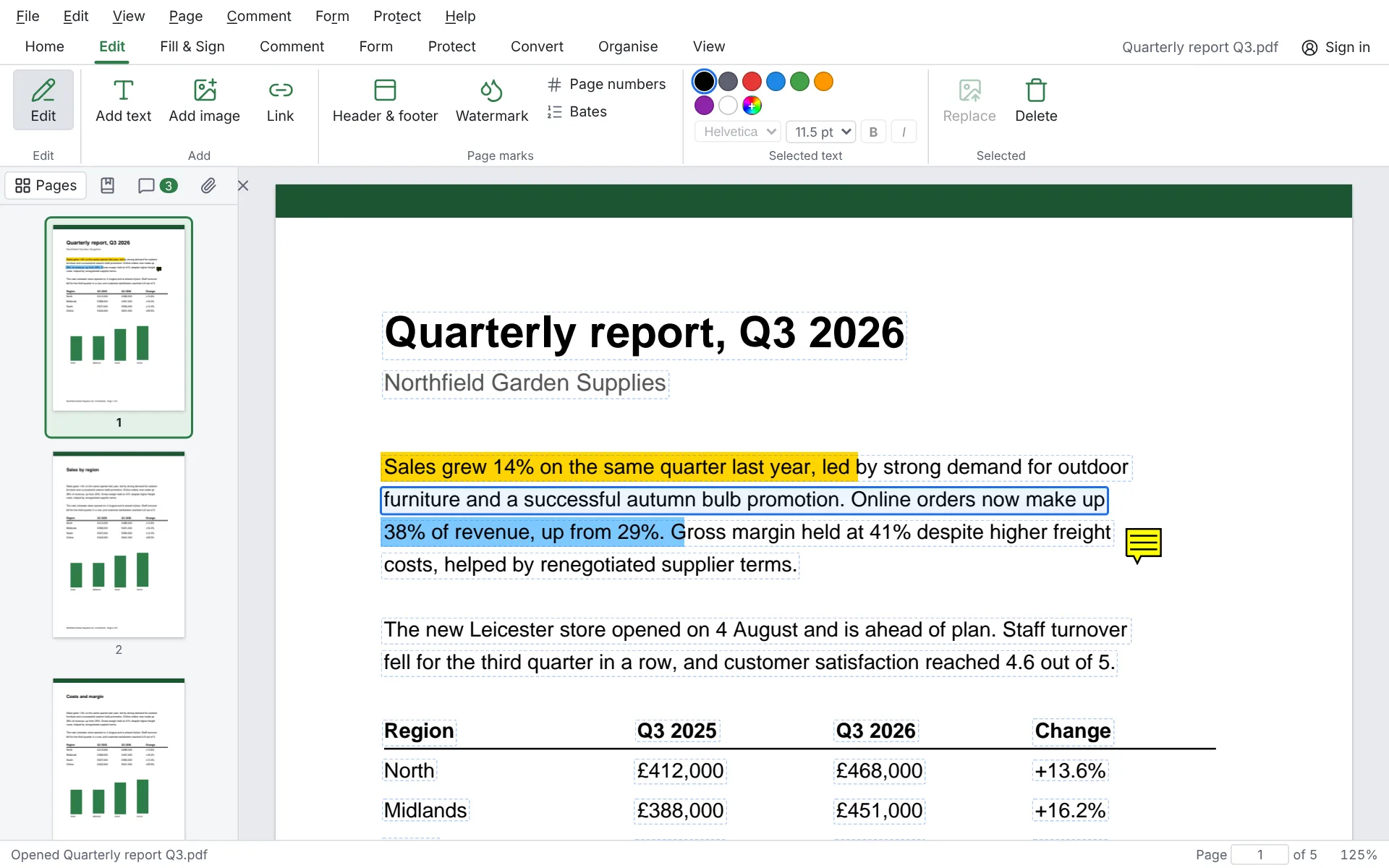
Edit text and images
- Change existing text on the page, in the document’s own font.
- Add new text boxes and pictures, and replace or delete images.
- Add and edit links.
- Undo and redo every change.
Organise pages Free online
- Insert, delete, move and rotate pages, with drag-and-drop thumbnails.
- Insert pages from another file, or combine several files into one.
- Split a document, extract pages and crop pages.
- Headers and footers, page numbers and Bates numbering.
- Watermarks.
- Bookmarks, search and zoom to fit.
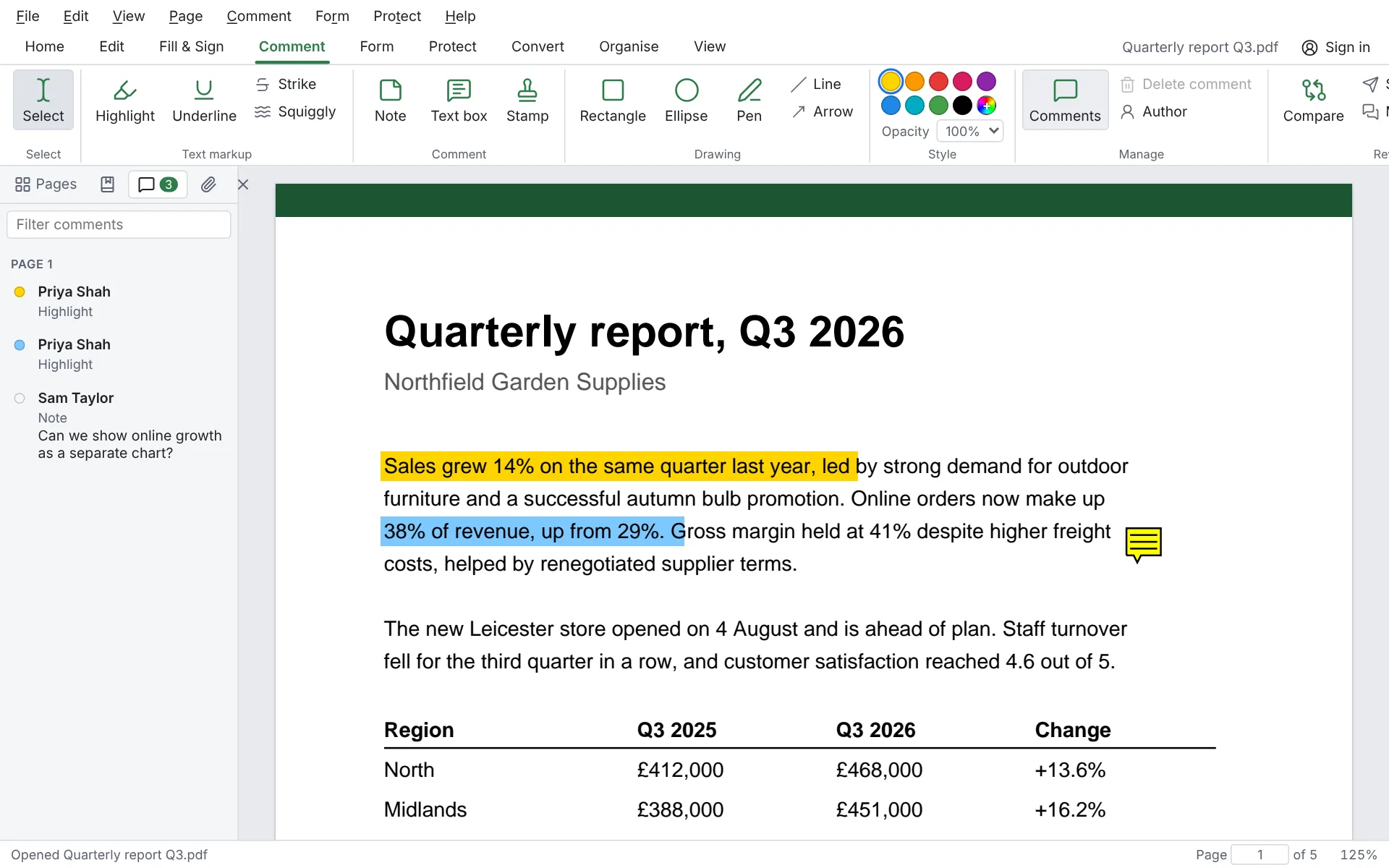
Comment and review Free online
- Highlight, underline, strike out and squiggly underline text.
- Sticky notes, text boxes, lines, arrows, rectangles, ellipses and freehand drawing.
- Stamps, including your own.
- A comments panel to filter and find every comment.
- Send for review by email or a shared cloud folder, then merge every reviewer’s comments into one copy.
Forms
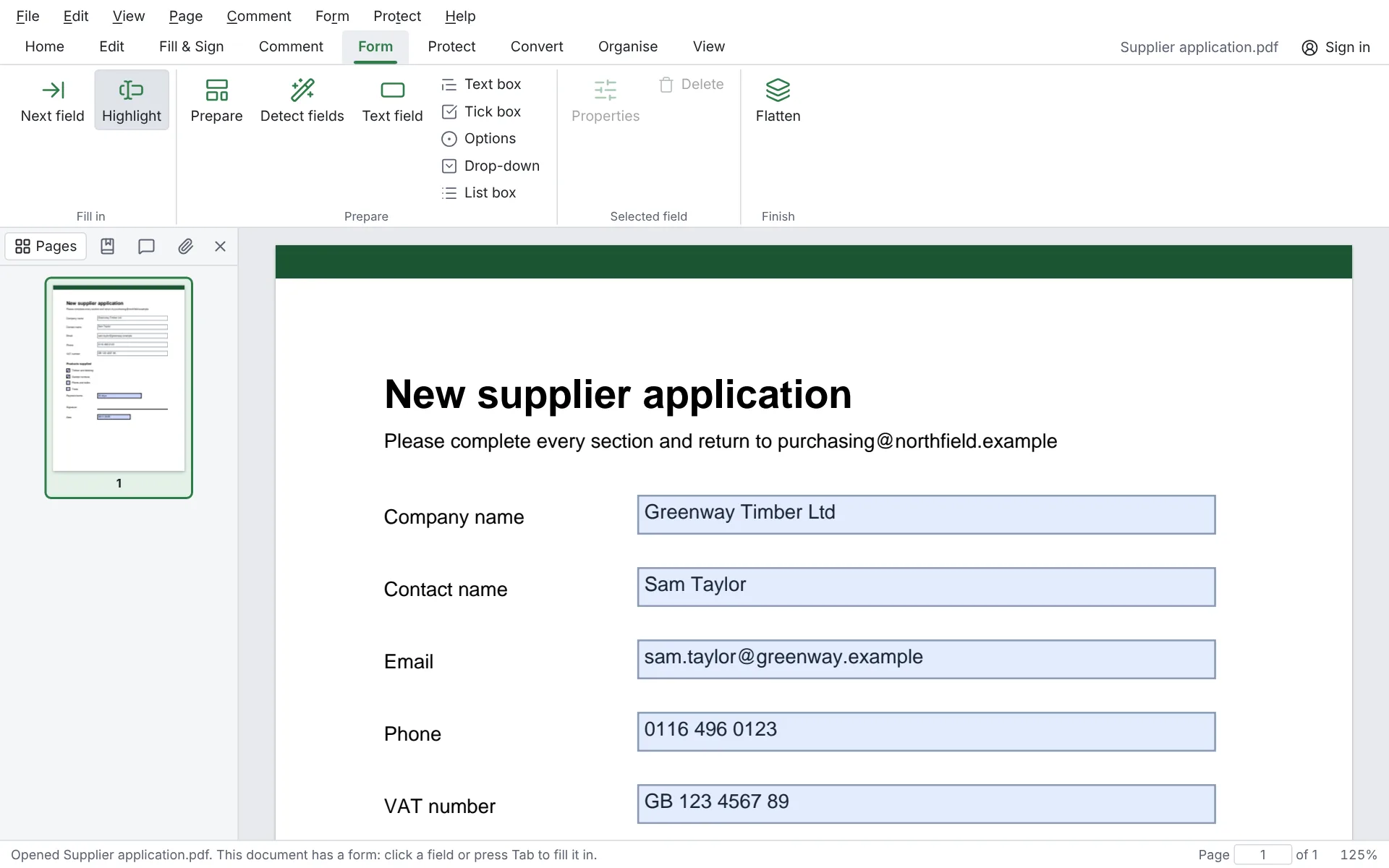
- Fill in and save any PDF form. Free online
- Flatten a filled form so it can’t be changed.
- Create fillable forms: text boxes, multi-line boxes, tick boxes, option buttons, drop-down lists and list boxes.
- Detect fields automatically on a plain document.
- Set field properties such as names, defaults and formats.
Fill and sign
- Add a signature by drawing or typing it, plus ticks, crosses, dots, dates and text.
- Sign with a digital certificate, and check the signatures on any document.
- Request signatures: send copies by email or a shared folder, and Oakleaf PDF keeps track of who has signed and reminds you.
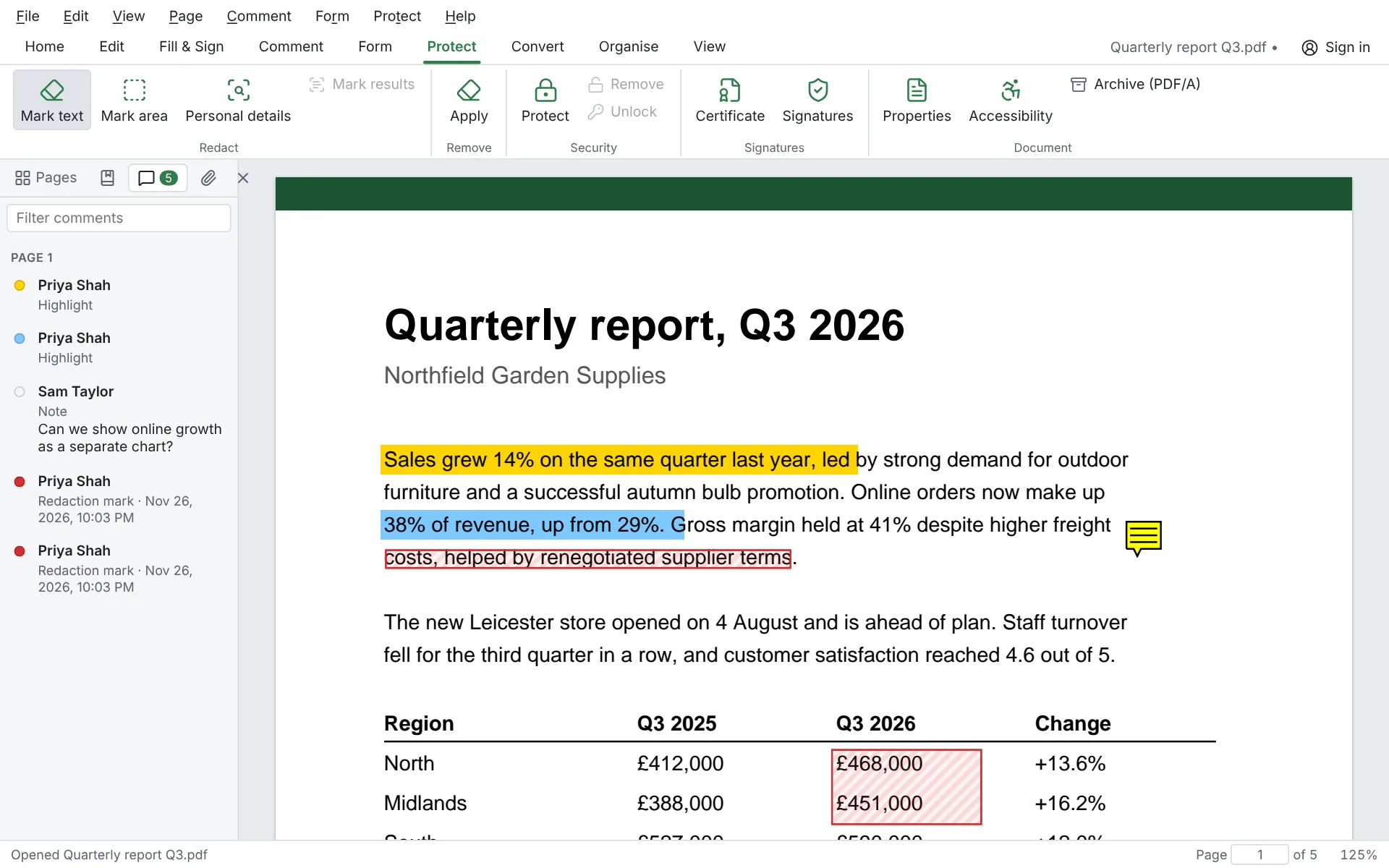
Protect and redact
- Redact text or areas, or search and redact every match, then apply to remove the content permanently.
- Password protection, with permissions for printing, copying and editing.
- Remove security from your own files.
- Edit document properties.
- Save archive copies as PDF/A.
Convert and OCR
- Recognise text in scanned pages (OCR), done on your own computer, so scans become searchable and copyable.
- Create PDFs from images, and save pages as images or plain text.
- Convert to and from Word, Excel and PowerPoint. This is the one tool that sends a file to our conversion service, only after you agree, and the file is deleted as soon as it’s converted.
- Reduce file size.
AI assistant
Ask questions about a document or get a quick summary. Oakleaf PDF shows you what will be sent and asks before any text leaves your computer, every time.
And more
- Compare two versions of a document.
- Attachments and PDF portfolios.
- Batch actions across many files.
- Print with page ranges and options.
- Read mode and read aloud.
- Accessibility check.
- Open from and save to OneDrive, Google Drive and Dropbox folders on your computer.
- Keyboard shortcuts throughout, and a familiar menu bar and ribbon.
For business
- Every feature for each person on the team, on the desktop app and online.
- One yearly invoice for the whole team, priced per person.
- Invite people by email, and move seats between them as your team changes.